Other Articles
GitHub Repositories – Enforce Pull Request Reviews
Secure Configuration Checks > Github
This check ensures that Pull Request (PR) review enforcement is enabled for GitHub repositories. Enforcing mandatory code reviews helps maintain code integrity, prevents unauthorized changes, and reduces the risk of vulnerabilities being introduced into production systems.
Check Details
- Resource: GitHub Repository
- Check: Ensure Pull Request review is enforced
- Risk: Unauthorized or unreviewed code changes leading to security vulnerabilities or unstable releases
Remediation via GitHub UI
-
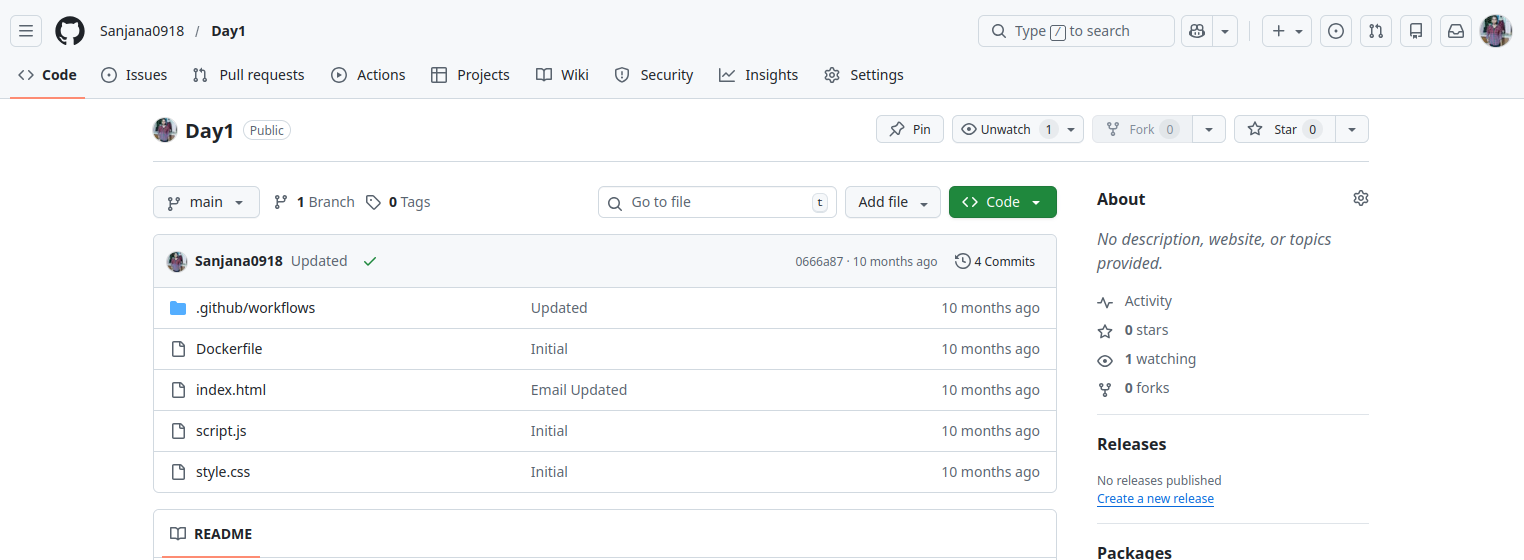
Log in to your GitHub account and navigate to the target repository.
-
Click on the Settings tab of the repository.

-
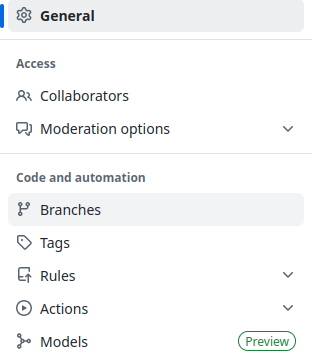
In the left navigation panel, click Branches.
-
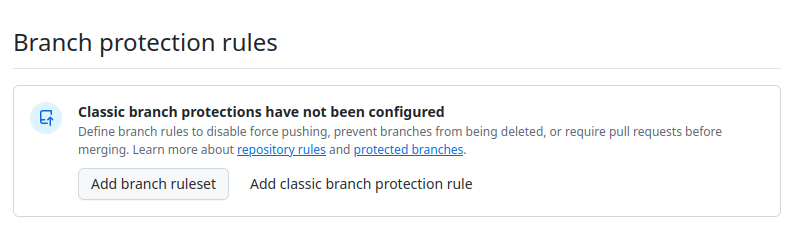
Under Branch protection rules, click
Add classic branch protection rule or edit an existing rule.
-
Specify the branch name pattern (e.g.,
main). - Enable the option: Require a pull request before merging.
-
Select Require approvals and define the number of
required reviewers (recommended: at least 1 or 2).
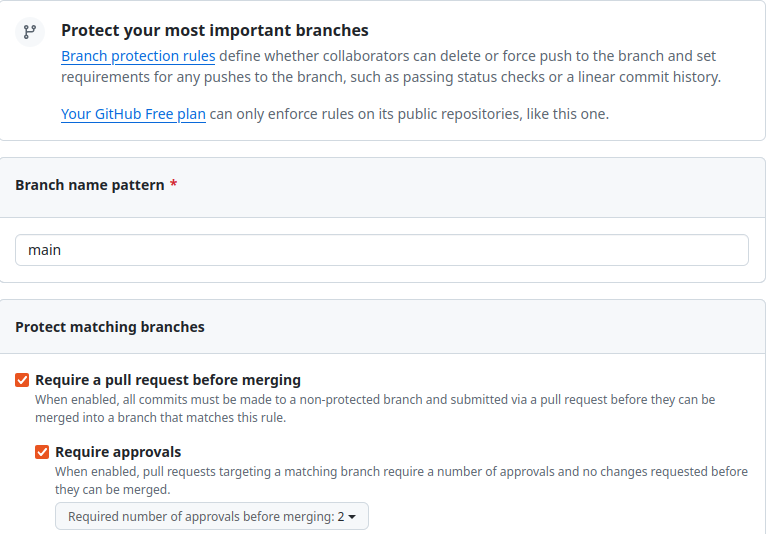
- Click Create or Save changes to apply the branch protection rule.
Updated on 27 March, 2026